
← Part of Content Creator Equipment: The Complete Gear Guide
Best Lighting for Streaming and Video
Lighting is the fastest way to look professional on camera. A single key light placed slightly off to one side removes the flat, dim look most webcams produce; a second fill light softens the shadows. It improves image quality more than swapping the camera alone.
Lighting supports both streaming and YouTube workflows. Ring lights and panel key lights are the two popular formats. Building a complete on-camera kit? The Creator Setup Builder adds lighting automatically when you record video.
What to look for
Key light first
One adjustable key light off to the side is the single highest-impact lighting upgrade for talking-head video.
Adjustable colour temperature
Bi-colour lights let you match room lighting and skin tone across the day.
Diffusion over brightness
Soft, diffused light flatters faces; raw brightness creates harsh highlights and shadows.
Featured picks
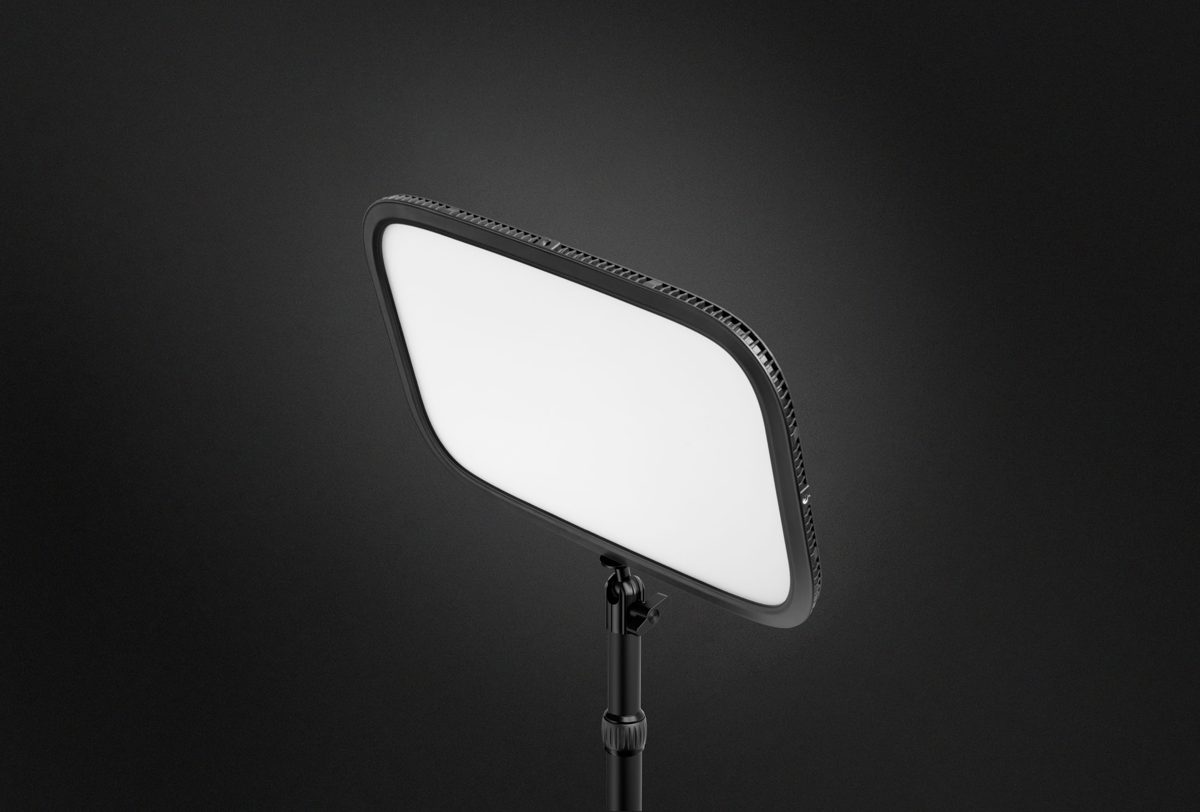
Elgato Key Light MK.2
8.4 / 10
Streamers who want a clean, app-controlled light behind their monitor
$219
Read review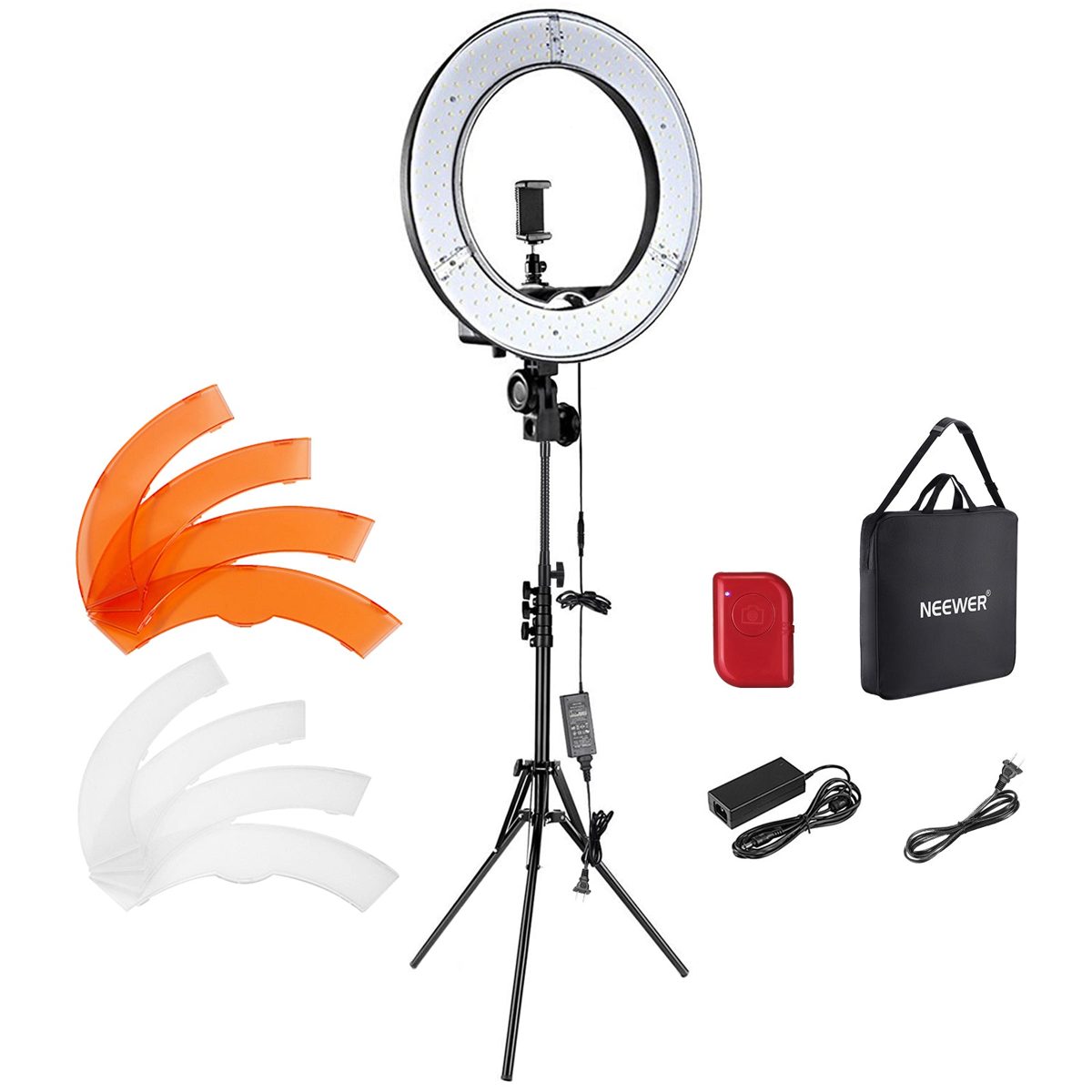
Neewer 18-inch Ring Light
8.6 / 10
Beginner YouTubers who want a soft, flattering key light cheap
$89
Read reviewExplore this category
Frequently Asked Questions
What lighting do I need for streaming?
At minimum one key light placed slightly to the side of your face. Add a fill light on the opposite side to soften shadows once you want a more polished look.
Is a ring light or a key light better?
Ring lights are compact and give even, front-on light. Panel key lights placed off-axis produce more natural, dimensional lighting. Either is a strong start.
Does lighting matter more than my camera?
Often, yes. Good lighting makes a modest webcam look great, while a premium camera in a dim room still looks poor.
How many lights do I need?
One key light is enough to start. A two-light key-plus-fill setup removes harsh shadows and looks noticeably more professional.
What colour temperature should I use?
Match your room. A bi-colour light lets you tune between warm and cool so your skin tone looks natural on camera.