
← Part of Content Creator Equipment: The Complete Gear Guide
Audio Interfaces: The Complete Buyer’s Guide
An audio interface is the bridge between an XLR microphone and your computer. It supplies the power (including phantom power for condensers), converts the signal to digital, and gives you a real gain knob and headphone monitoring. If you use a USB microphone, you do not need one.
Pick by workflow: an interface for podcasting if you record voices, or an interface for streaming if you want live control. Two popular starting points are the Focusrite Scarlett and the stream-focused GoXLR. Building a full rig? Try the Creator Setup Builder.
Not ready to commit to XLR? A USB/XLR microphone lets you start over USB now and add an interface later without replacing the mic.
What to look for
Input count
One input for a solo mic; two for a co-host or mic-plus-instrument. Podcasters running four voices need four preamps.
Phantom power
Condenser mics need 48V phantom power. Every interface here supplies it; confirm before buying a bare preamp.
Preamp gain
Low-output dynamic mics like the SM7B want plenty of clean gain. Check the interface has enough headroom or add an inline booster.
Direct monitoring
Zero-latency headphone monitoring lets you hear yourself without echo — essential for voice work.
Featured picks
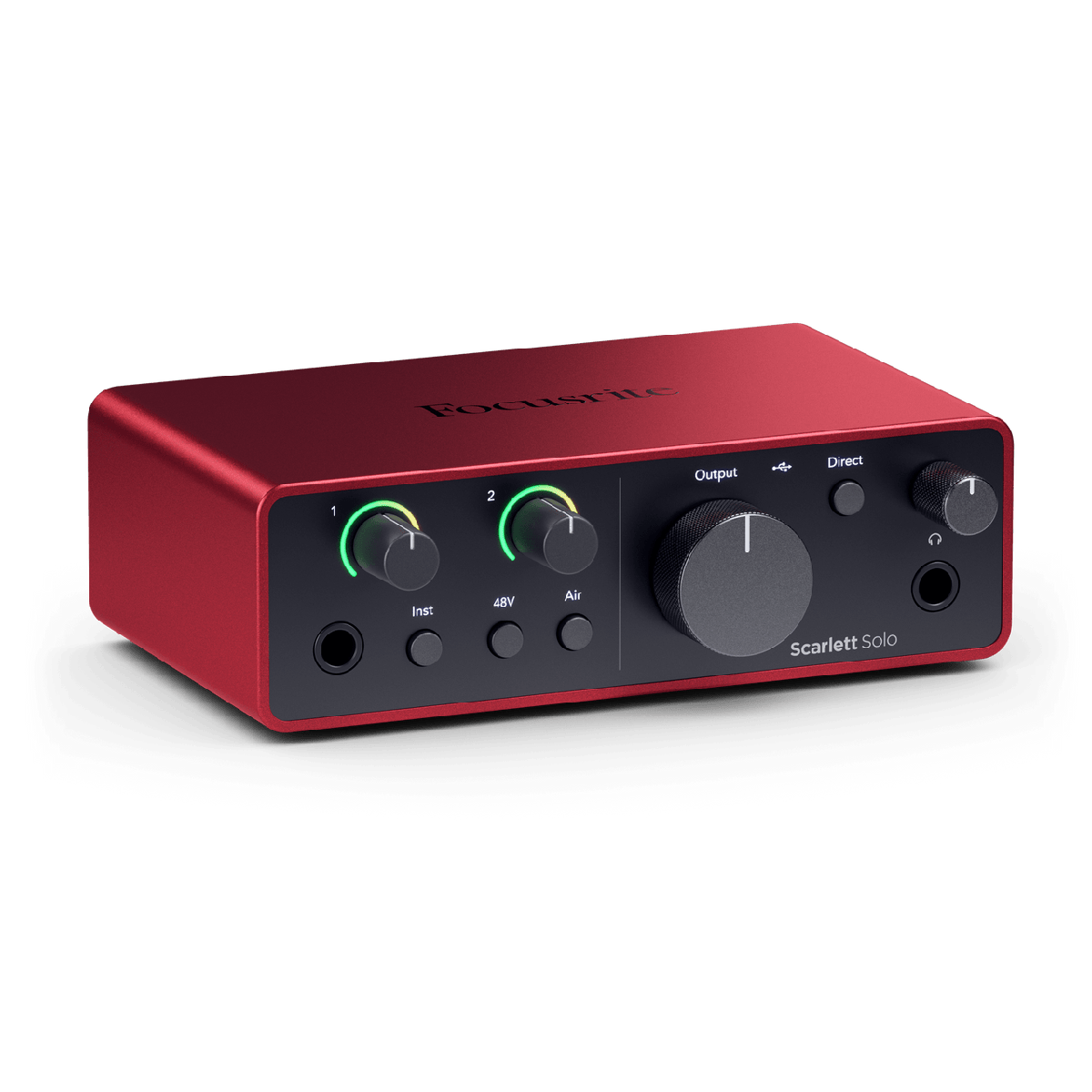
Focusrite Scarlett Solo (4th Gen)
9.0 / 10
Anyone moving from USB to XLR mics for the first time
$139
Read review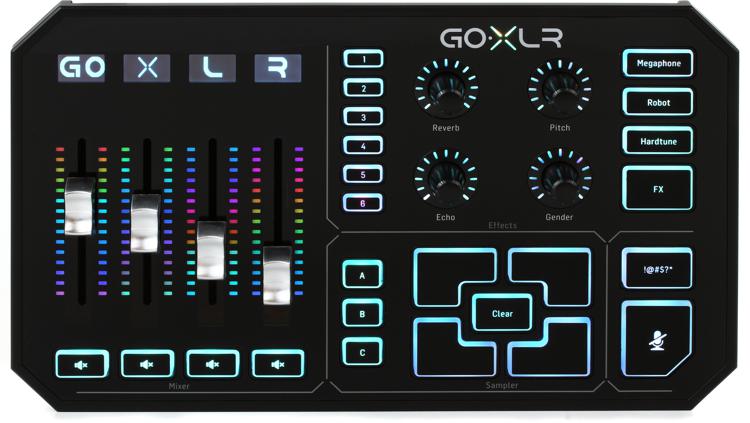
GoXLR
7.4 / 10
Streamers who route game audio, chat, music, and mic on independent sliders
$499
Read reviewExplore this category
Frequently Asked Questions
Do I need an audio interface?
Only if you use an XLR microphone. USB mics connect directly to your computer and include their own conversion, so no interface is required.
What does an audio interface do?
It powers XLR mics, converts their analog signal to digital, and gives you a hardware gain knob plus low-latency headphone monitoring.
How many inputs do I need?
One per microphone recorded at the same time. Solo creators need one; a co-hosted podcast needs two or more.
Is the Focusrite Scarlett a good first interface?
It is one of the most popular starting points thanks to clean preamps and simple setup. See our Focusrite Scarlett review for the details.
What is the difference between an interface and a mixer?
An interface routes mic signals into your computer. A mixer blends and controls multiple sources live, often adding effects and routing — some do both.
Can one interface work for podcasting and streaming?
Yes. The same interface handles both; streamers sometimes prefer a stream mixer for live faders, but it is not required.