
← Part of Content Creator Equipment: The Complete Gear Guide
Streaming Equipment: Build Your Live Streaming Setup
Live streaming rewards gear that sounds and looks good with zero fuss mid-broadcast. That means a mic that rejects room noise and mechanical keyboard sound, clean lighting on your face, and — for XLR setups — an interface or stream mixer with real-time control.
Start with our streaming setup guide, then choose an audio interface for streaming, add streaming lighting, and consider a streaming mixer for live level control. The Creator Setup Builder can size the whole rig to your budget.
Streaming is one branch of our wider content creator equipment guide.
What to look for
Noise rejection first
Streamers game on loud mechanical keyboards — a mic with tight cardioid rejection keeps that out of the broadcast.
Real-time control
A stream mixer or interface with hardware faders lets you duck game audio, mute quickly, and balance sources live.
Lighting matters on camera
One key light dramatically improves how you read on camera, even with a modest webcam.
Featured picks
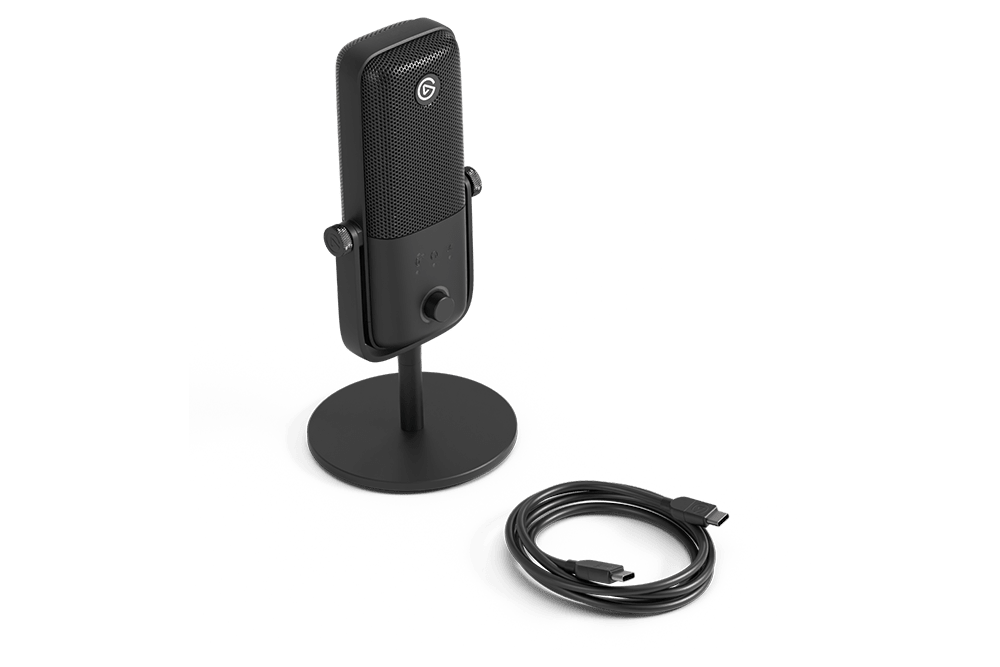
Elgato Wave:3 MK.2
8.5 / 10
Streamers already in the Elgato/Stream Deck ecosystem who want a deeper DSP toolkit
$170
Read review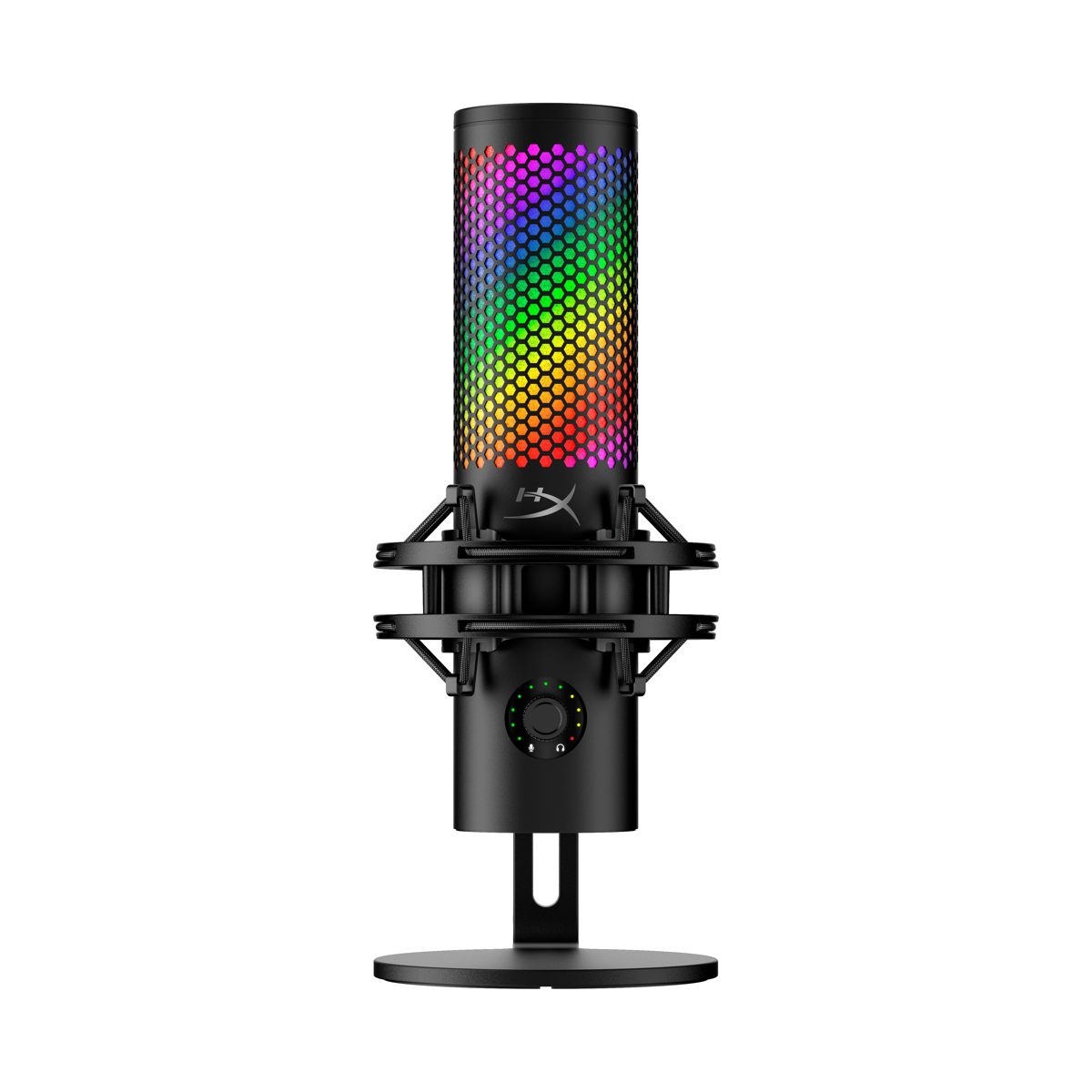
HyperX QuadCast 2 S
8.7 / 10
Streamers who want a visually striking mic with the most customizable RGB in its class
$199
Read reviewExplore this category
Frequently Asked Questions
What equipment do I need to start streaming?
A microphone that rejects background noise, a webcam, and at least one light. A stream mixer or interface is optional until you want live audio control.
Do I need a mixer to stream?
No, but a stream mixer makes live shows easier by giving you hardware faders to balance mic, game and chat audio in real time.
What microphone is best for streaming?
A cardioid USB or XLR mic with strong side and rear rejection. This keeps keyboard and room noise out of your stream.
How important is lighting for streaming?
Very. A single key light improves image quality more than upgrading the webcam alone, especially in dim rooms.
USB or XLR for streaming?
USB is the fast path. XLR plus an interface or stream mixer is worth it once you want tactile control and room to add sources.
Can I use one setup for streaming and YouTube?
Yes. The same mic, interface and lighting work for both — only your capture and editing workflow differ.