
← Part of Content Creator Equipment: The Complete Gear Guide
YouTube Equipment: Gear for Video Creators
YouTube is a video-first platform, so your kit balances two things: audio that does not distract, and a clean, well-lit image. A good microphone plus one or two lights will lift a channel more than any camera upgrade.
Start with our YouTube setup guide, choose a mic from our YouTube microphones shortlist, and add lighting for on-camera work. The Creator Setup Builder assembles a video-ready kit around your budget.
What to look for
Audio before camera
Viewers forgive a soft image faster than bad audio. Put the first upgrade into your microphone.
Two-light minimum for talking-head
A key light plus a fill removes harsh shadows on camera; a single light is a solid start.
USB mics keep it simple
For solo talking-head videos, a good USB mic on a boom arm covers most needs without an interface.
Featured picks
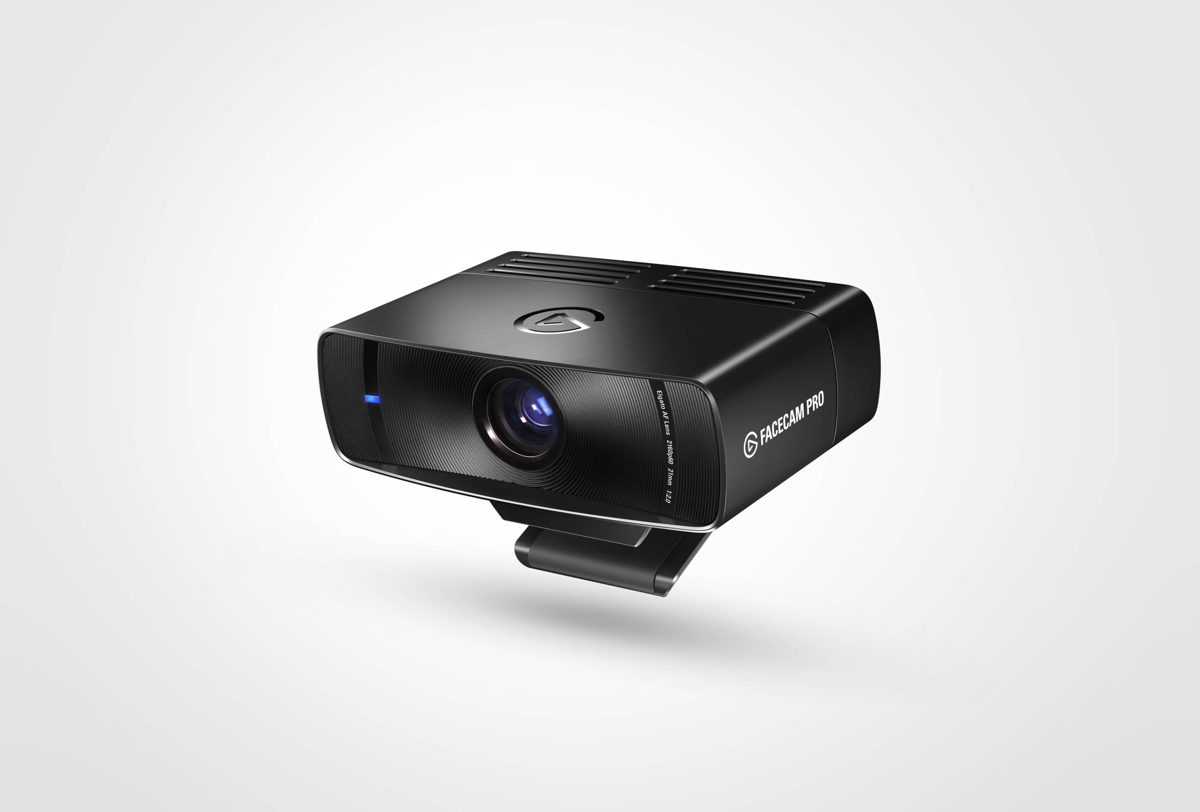
Elgato Facecam Pro
8.3 / 10
Streamers who want 4K60 instead of the usual 1080p webcam ceiling
$299
Read review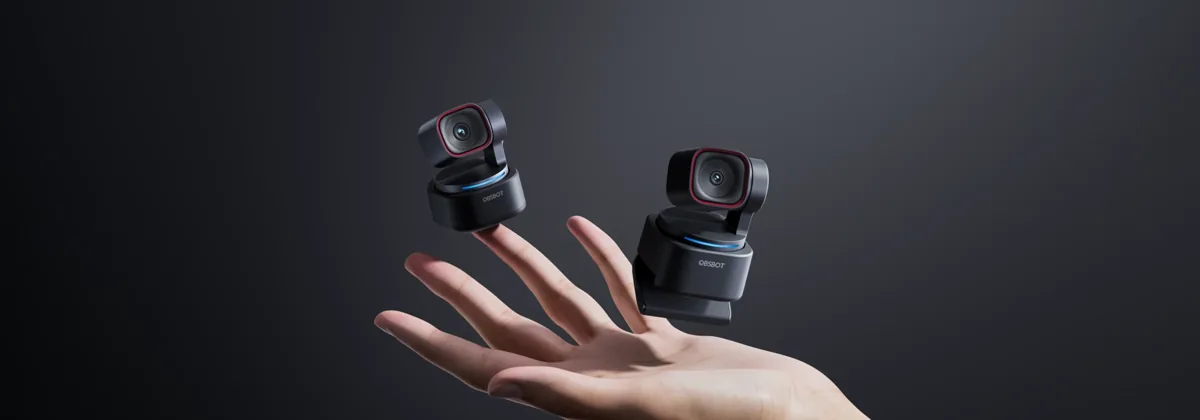
Obsbot Tiny 3
8.2 / 10
YouTubers and educators who move around — AI Tracking 2.0 + voice locator follows you across the room
$349
Read review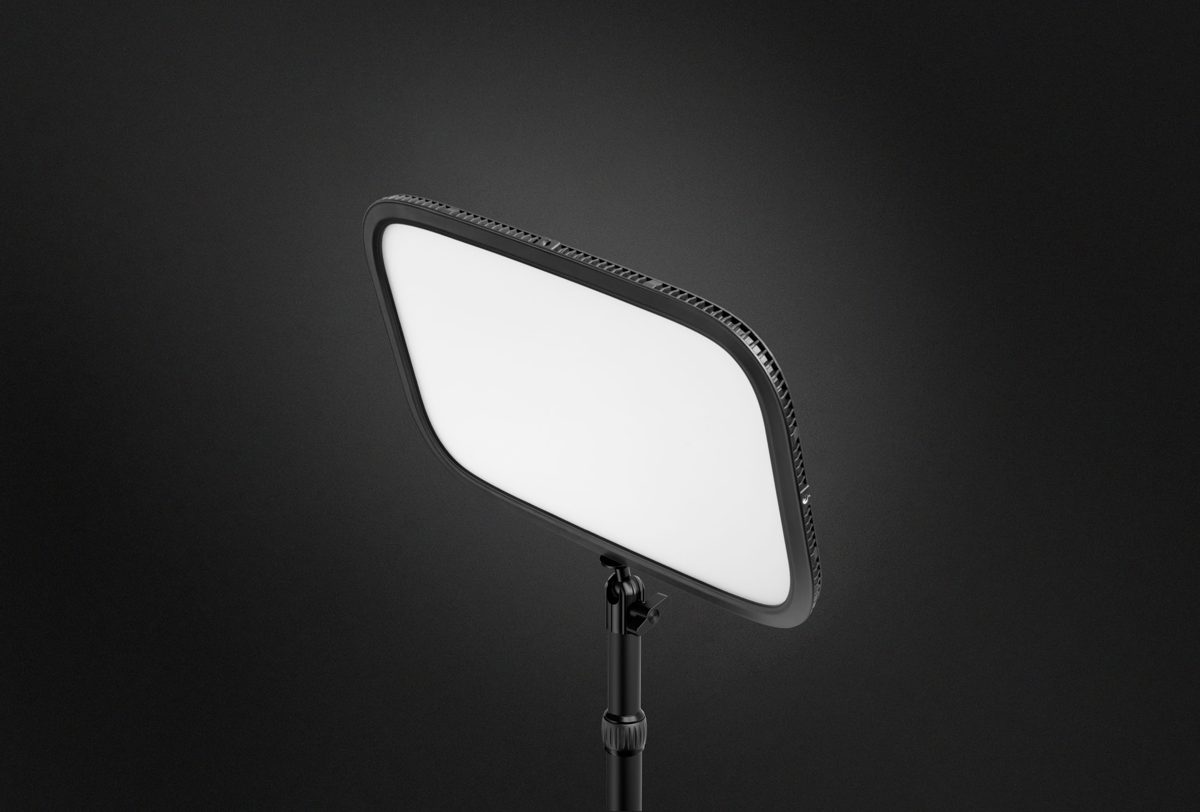
Elgato Key Light MK.2
8.4 / 10
Streamers who want a clean, app-controlled light behind their monitor
$219
Read reviewExplore this category
Frequently Asked Questions
What equipment do I need for YouTube?
A microphone, a camera or webcam, and at least one light. Audio and lighting matter more than the camera for most channels.
What is the best microphone for YouTube?
A versatile USB mic works for most talking-head channels; browse our YouTube microphones guide for ranked picks by use-case.
Do I need professional lighting?
No. A single key light transforms most talking-head shots. Add a fill light later to soften shadows.
Is a webcam good enough for YouTube?
A quality webcam paired with good lighting looks great for tutorials and vlogs. Upgrade to a dedicated camera when you need shallow depth of field or 4K.
How much does a YouTube setup cost?
A capable starter kit — USB mic, webcam and one light — lands around $150–$350 depending on choices.
Can I use my streaming gear for YouTube?
Yes. Mic, interface and lighting carry straight over; you only change how you capture and edit.