
← Part of Audio Interfaces: The Complete Buyer’s Guide
Best Audio Interfaces for Podcasting
Podcasting puts specific demands on an interface: enough clean gain for dynamic broadcast mics, one preamp per voice, and rock-solid monitoring so hosts can hear themselves. Multi-host shows are where a two- or four-input interface earns its place.
This is a focused branch of our main audio interfaces guide. Pair your interface with the full podcast setup, and consider the widely recommended Focusrite Scarlett as a starting point. Want the whole kit picked for you? Use the Creator Setup Builder.
What to look for
Gain for dynamic mics
Broadcast dynamics need a lot of clean gain. Make sure the preamps have the headroom or plan for an inline booster.
One preamp per host
Recording each voice separately is what makes editing manageable — match input count to your host count.
USB bus power
A bus-powered interface keeps a remote or travel podcast rig simple — no extra power brick to carry.
Featured picks
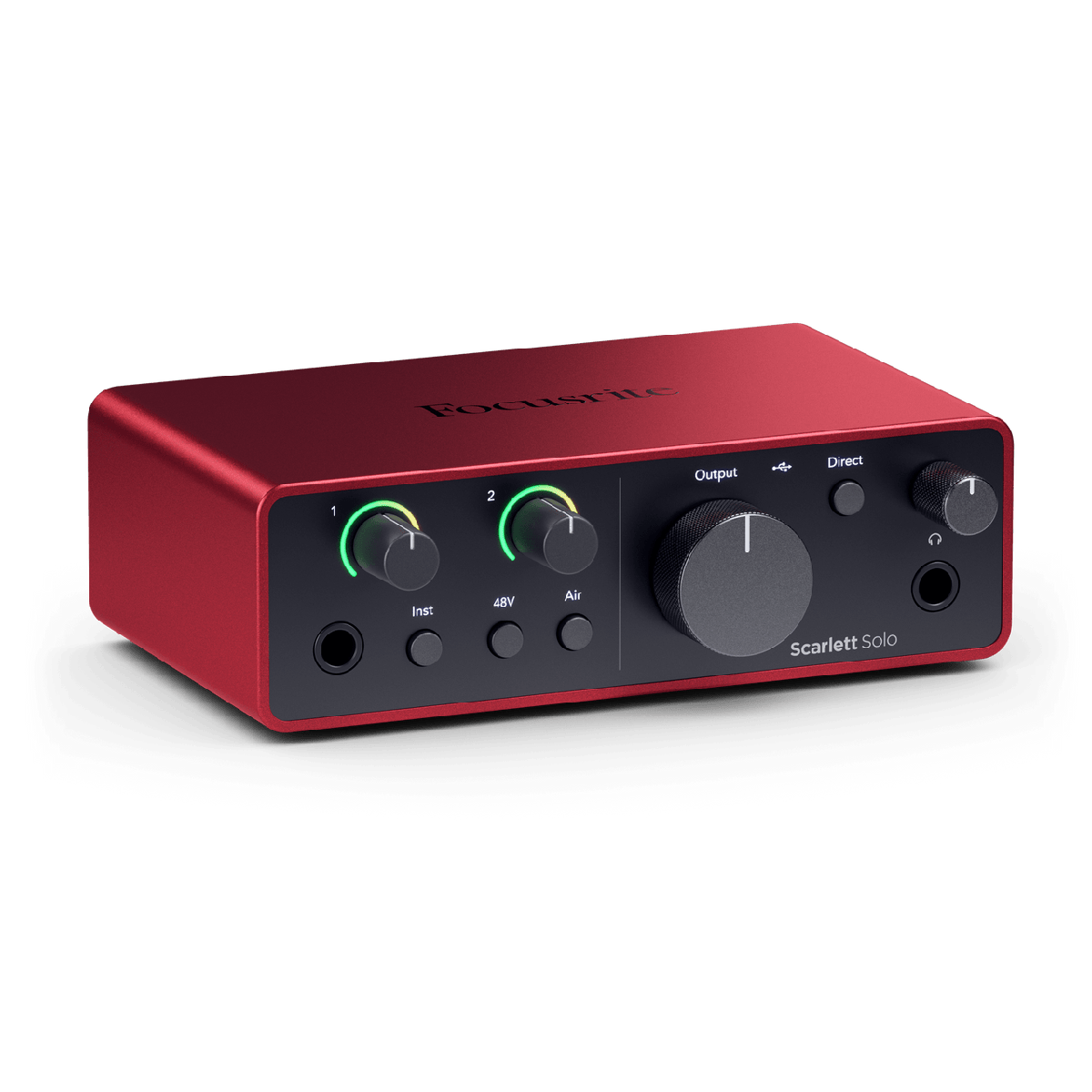
Focusrite Scarlett Solo (4th Gen)
9.0 / 10
Anyone moving from USB to XLR mics for the first time
$139
Read reviewExplore this category
Frequently Asked Questions
What audio interface is best for podcasting?
One with clean, plentiful gain and a preamp for each host. Two-input interfaces suit most co-hosted shows; four-input models handle panels.
How many inputs do I need for a podcast?
One per person recorded at once. Solo shows need one input; two hosts need two; a four-person roundtable needs four.
Do podcast mics need phantom power?
Dynamic broadcast mics do not. Condensers do — any modern interface supplies the 48V they need.
Is a USB mic or an interface better for podcasting?
USB mics are simplest for solo shows. An interface with XLR mics is better for multi-host recording and future flexibility.
Will one interface handle a remote co-host?
Your local mic goes through the interface; a remote co-host joins over software. Record locally on both ends for the best quality.